
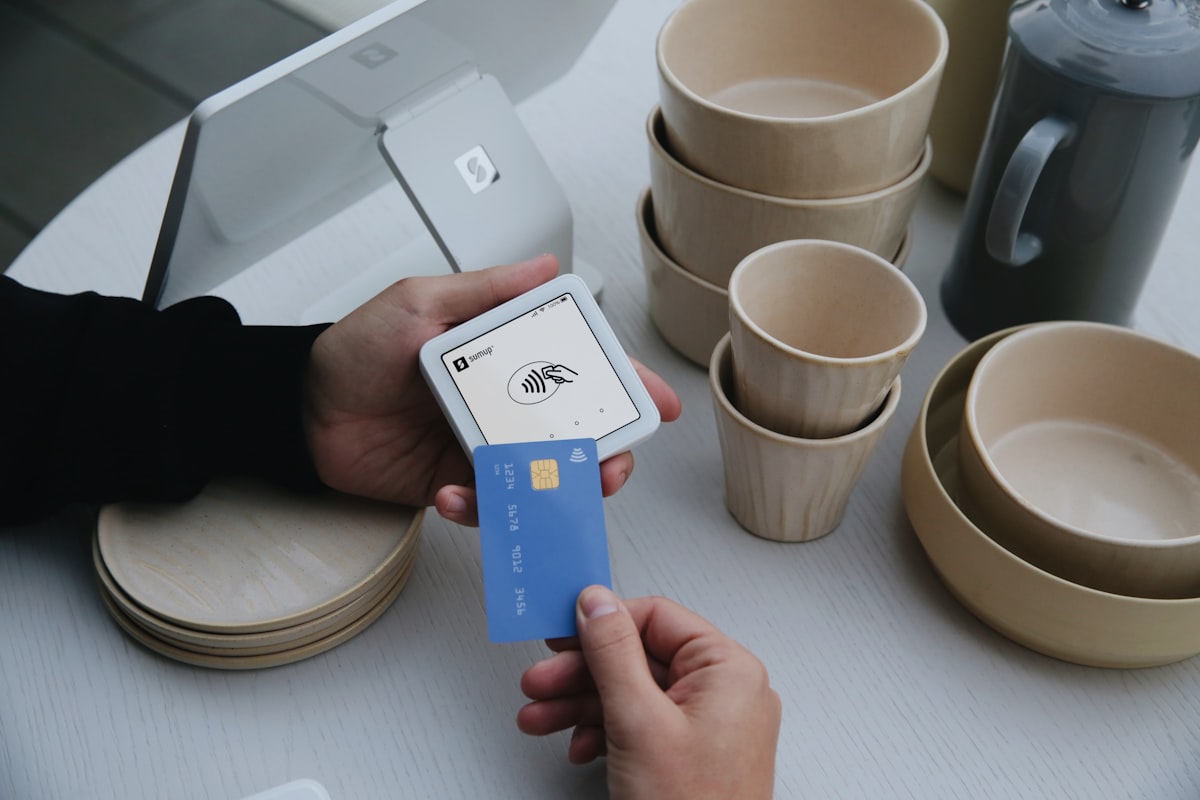
In 2016, the National Payments Corporation of India (NPCI) launched the Unified Payments Interface — UPI. A decade later, UPI has fundamentally transformed how India pays for everything, from street food to enterprise software.
In 2025, UPI processed over 10 billion transactions per month, with a total value exceeding ₹20 lakh crore monthly. It's not just the most popular digital payment method in India — it's become the default way Indians move money.
If you're selling products online to Indian customers and your store doesn't accept UPI payments, you're losing sales. It's that simple.
This guide covers everything Indian sellers need to know about accepting UPI payments on their online stores.
The UPI Revolution in Numbers
To understand why UPI matters for your online store, consider these numbers:
- 10+ billion transactions per month (as of 2025)
- Over 300 million active users
- 70%+ of all digital payments in India happen via UPI
- PhonePe, Google Pay, and Paytm are among the top UPI apps, with PhonePe alone processing nearly 50% of all UPI transactions
- UPI is available 24/7/365 — no banking hours, no holidays
UPI has achieved something remarkable: it's made digital payments more convenient than cash for a massive population. When your customer walks into a chai shop, they pay with UPI. When they order food online, they pay with UPI. When they shop on your store, they expect to pay with UPI.
The question isn't whether you should accept UPI — it's how quickly you can set it up.
Why UPI Matters for Your Online Store
1. Higher Conversion Rates
Customers are more likely to complete a purchase when they can pay with their preferred method. If your store only accepts cards or net banking, you're adding friction for the majority of Indian shoppers who prefer UPI. Studies show that offering UPI can increase checkout conversion by 20-30% compared to card-only payment options.
2. Instant Settlement
UPI payments settle in real time. The money is in your account within seconds of the customer paying. No waiting 2-3 business days like with card payments. This is particularly valuable for small businesses that need quick cash flow.
3. Lower Failure Rates
UPI transactions have significantly lower failure rates compared to card payments and net banking. The flow is simple — open the UPI app, enter your PIN, done. No card numbers to type, no OTPs to wait for, no bank login pages that time out.
4. No Card Required
A significant portion of India's population has bank accounts but not credit or debit cards. UPI works directly with bank accounts, meaning anyone with a smartphone and a bank account can pay you. This dramatically expands your potential customer base.
5. Trust Factor
Indian consumers trust UPI. It's backed by NPCI and RBI, uses PIN-based authentication, and has become synonymous with safe digital payments. When customers see UPI as a payment option on your store, it signals legitimacy.
6. Lower Transaction Costs
UPI transaction charges for merchants are typically lower than credit card processing fees. While credit cards might cost you 2-2.5% per transaction, UPI transactions through payment gateways are often cheaper, directly improving your margins.
How UPI Works in Online Stores
When a customer pays via UPI on your online store, here's what happens behind the scenes:
The Customer Flow
- Step 1: Customer adds products to their cart and proceeds to checkout.
- Step 2: At the payment step, they select UPI as the payment method.
- Step 3: Depending on the device, they either see a QR code to scan with their UPI app, or are redirected to their UPI app (PhonePe, Google Pay, etc.) via intent.
- Step 4: They enter their UPI PIN to authorize the payment.
- Step 5: Payment confirms in seconds. Order is placed.
What Happens on Your End
- Your payment gateway (Razorpay, PhonePe, or Cashfree) handles the entire UPI transaction.
- The gateway sends a webhook to your store confirming payment success.
- Your store automatically marks the order as "paid" and sends confirmation to the customer.
- Funds settle to your bank account based on your gateway's settlement schedule (typically T+1 to T+3 days, depending on the gateway).
As a store owner on StoreBase™, you don't need to understand any of the technical details. The entire flow is handled automatically once you configure your payment gateway in the admin panel.
Choosing a Payment Gateway for UPI
You don't integrate UPI directly. Instead, you use a payment gateway that supports UPI alongside other payment methods. StoreBase™ supports three of India's most popular payment gateways:
Razorpay
- India's most popular payment gateway
- Supports UPI, credit/debit cards, net banking, wallets, EMI
- Excellent dashboard and reporting
- Quick KYC and onboarding
- UPI transaction fees: typically ~2% (varies by plan)
PhonePe (Payment Gateway)
- India's largest UPI platform — nearly 50% of all UPI transactions
- Deep UPI integration with optimised checkout flows
- Supports cards, net banking, and wallets alongside UPI
- Competitive pricing for UPI transactions
Cashfree
- Fast-growing payment gateway with strong UPI support
- Known for reliable uptime and fast settlement
- Supports UPI, cards, net banking, wallets, and bank transfers
- Good for businesses that want fast payouts
All three gateways are excellent choices. The best one for you depends on factors like transaction fees, settlement speed, and which gateway you're already registered with. You can switch gateways on StoreBase™ at any time without rebuilding your store.
Setting Up UPI Payments on Your Store
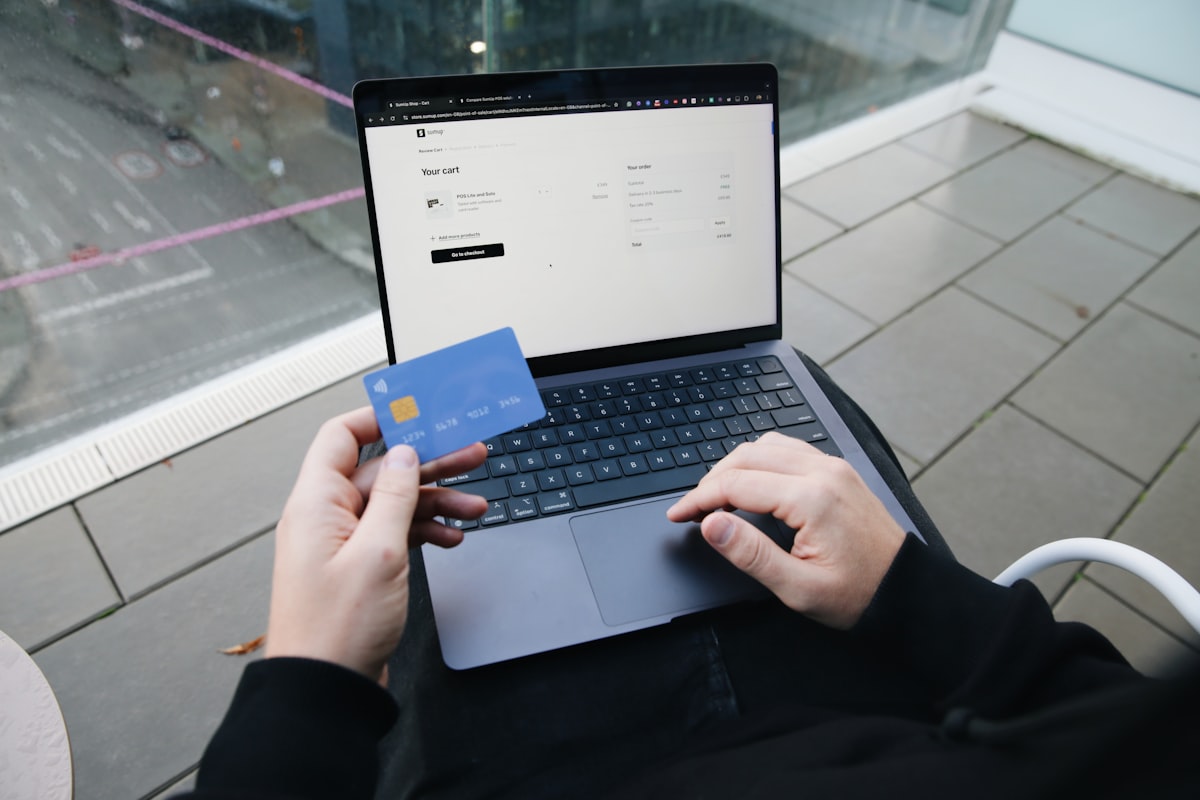
If you're using StoreBase™, setting up UPI payments takes just a few steps — no coding required:
Step 1: Register with a Payment Gateway
Create an account with Razorpay, PhonePe, or Cashfree. You'll need to complete their KYC verification, which typically requires your PAN, business registration documents (if applicable), and bank account details. This process usually takes 1-3 business days.
Step 2: Get Your API Keys
Once your payment gateway account is approved, you'll receive API keys (Key ID and Key Secret for Razorpay, Merchant ID and Salt Key for PhonePe, App ID and Secret Key for Cashfree). These are found in your gateway's dashboard.
Step 3: Enter Keys in StoreBase™
Go to your StoreBase™ admin panel, navigate to Settings, and enter your payment gateway credentials. Select which gateway you want to use as your primary payment processor.
Step 4: Set Order Mode to Cart
Make sure your store's order mode is set to "Cart" (not "WhatsApp") to enable the full checkout flow with payment processing.
Step 5: Test a Transaction
Most payment gateways offer a test mode with test credentials. Use this to verify that the entire flow works — adding to cart, checkout, UPI payment, and order confirmation — before going live.
That's it. Once configured, your customers will automatically see UPI as a payment option at checkout, alongside cards, net banking, and other methods supported by your chosen gateway.
UPI Best Practices for Online Sellers
Here are practical tips to maximise the benefits of UPI payments on your store:
Make UPI the Default Option
Since most Indian customers prefer UPI, ensure it's prominently displayed as the first payment option at checkout. Most payment gateways allow you to configure the order of payment methods.
Display Trust Signals
Show recognisable UPI logos (UPI, PhonePe, Google Pay, Paytm) on your checkout page and in your store's footer. Customers feel more confident when they see familiar payment brand logos. StoreBase™'s trust badges feature lets you add these easily.
Handle Payment Failures Gracefully
UPI payments occasionally fail due to network issues, insufficient balance, or session timeouts. Your store should display clear error messages and allow customers to retry without losing their cart. StoreBase™ handles this automatically.
Monitor Your Settlement Reports
Check your payment gateway's dashboard regularly to track settlements, refunds, and any disputed transactions. Most gateways provide daily settlement reports.
Offer Multiple Payment Methods
While UPI is dominant, don't limit your store to UPI only. Some customers still prefer cards (especially for high-value purchases with EMI options) or net banking. Offer all payment methods through your gateway and let customers choose.
Keep Order Confirmation Instant
After a successful UPI payment, send an immediate order confirmation via the store's order confirmation page. If you have SMS notifications configured, send an SMS too. Customers expect instant confirmation with digital payments.
Beyond UPI: Other Payment Methods You Should Accept
While UPI should be your primary payment method, here are other options to consider:
- Credit and debit cards. Still important for higher-value purchases, especially when customers want EMI options. Cards also work for customers who are more comfortable with the card payment flow.
- Net banking. Some customers, especially older demographics, prefer net banking. All three gateways supported by StoreBase™ include net banking.
- Wallets. Paytm Wallet, PhonePe Wallet, and others are still used, though UPI has overtaken wallets in popularity.
- WhatsApp ordering. Not technically a payment method, but if you're a small business that handles payments manually (cash on delivery, direct bank transfer), StoreBase™'s WhatsApp ordering mode lets customers place orders without online payment. You can start here and add online payments later.
The beauty of using a platform like StoreBase™ with integrated payment gateways is that you get all of these payment methods automatically. There's no extra setup for each payment type — configure one gateway, and all supported methods are available to your customers.
Start Accepting UPI Payments Today
If you're selling online in India without UPI support, you're making it harder for your customers to pay you. Setting up UPI doesn't require technical knowledge, expensive integrations, or weeks of development.
With StoreBase™, you can have a fully functional online store with UPI payments (via Razorpay, PhonePe, or Cashfree) up and running in minutes. Check out our plans to get started.
Already have a store and want to add UPI? Contact us and we'll help you set it up.
For a complete guide on starting your online store, read our step-by-step guide to starting an online store in India.
Illustrations by Storyset
Ready to take your business online?
Launch your own online store in minutes. No coding, no hassle. Rs 99/month hosting + 10% of sales, total bill capped at Rs 999/month.
Get Started NowYou might also like
Why We Built StoreBase — Helping Indian Small Businesses Go Online
India has over 60 million small businesses, but most still don't sell online. We built StoreBase to change that — an affordable, India-first e-commerce platform that anyone can use.
6 min readHow to Create an Online Store in India — A Complete Guide for 2026
Learn how to create an online store in India step by step. From choosing the best platform and adding products to setting up UPI payments, GST invoicing, and marketing your store in 2026.
8 min readBest E-Commerce Platforms in India 2026 — An Honest Comparison
Comparing the best e-commerce platforms in India for 2026 — Shopify, WooCommerce, Dukaan, and StoreBase. Pricing, features, and which is right for your business.
10 min read